Back to resources
CompatibilityNVIDIA

ConnectX Adapter Compatibility Checklist

Checklist for buyers reviewing NVIDIA ConnectX adapter generation, host interface, speed, cable type and driver context before quotation.

Docs paths

03

Products

02

Type

Compatibility

ConnectX Adapter Compatibility Checklist

Why buyers use this resource

01

Clearer review of adapter generation, speed and PCIe context before RFQ

02

Reduced risk of mismatch between server, adapter and cable choice

03

A cleaner path from technical review into purchasing shortlist

Buyer interpretation

Use this resource to shorten review and improve RFQ quality

This page is written to interpret the technical topic in commercial terms, so the buyer can move faster from reading into model review, BOM preparation and quotation action.

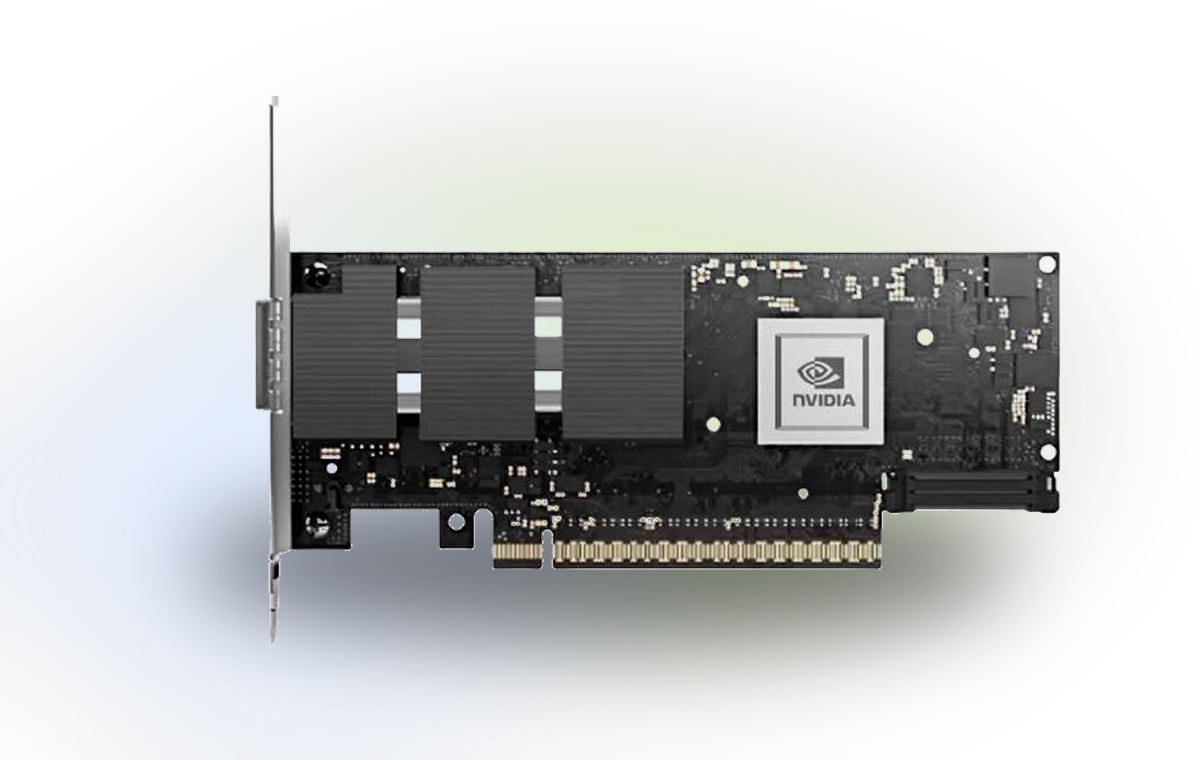
Adapter selection should not start only from port speed. Buyers should also review PCIe generation, form factor, host operating environment, airflow constraints, cable or transceiver choice and the switching fabric direction.

Use this checklist before sending an RFQ so the commercial conversation includes the target server, link speed, port count, preferred adapter generation and any driver or firmware questions.

A better compatibility note helps the sales team confirm whether the requested ConnectX model is the right fit or whether a nearby alternative should be reviewed.
What this resource helps validate

Key decisions this page is meant to support

The goal is not to replace official documentation, but to reduce uncertainty before your technical and purchasing teams send a structured inquiry.

01

Choosing the right adapter generation for the server and PCIe context

02

Matching speed, port type and cable path with the current fabric

03

Preparing compatibility notes before quotation starts

RFQ handoff

What to send after reading this page

A stronger inquiry usually includes the deployment target, preferred models, quantity and the exact compatibility or supply question that still needs confirmation.

01

Server or motherboard model and operating environment

02

Required speed, port count and preferred generation

03

The compatibility or availability question that still needs confirmation

Official docs references

Relevant NVIDIA documentation paths for deeper technical review

Use these official documentation areas as the technical source of truth, while keeping this page focused on buyer-side interpretation and RFQ preparation.

01

Drivers / firmware / tools

Networking Software

Manuals of adapter drivers, firmware, accelerators, switch operating systems, management, and tools.

Official docs
02

ConnectX adapters

Networking Adapters

Documentation for NVIDIA® ConnectX® family of networking adapters.

Official docs
03

DPUs / SuperNICs

BlueField DPUs / SuperNICs & DOCA

Documentation for NVIDIA's data processing units (DPUs) and SuperNICs.

Official docs

Recommended products to continue the conversation

Continue with exact NVIDIA models

These products are practical follow-up points when the buyer wants to move from reading into exact part-number or BOM discussion.

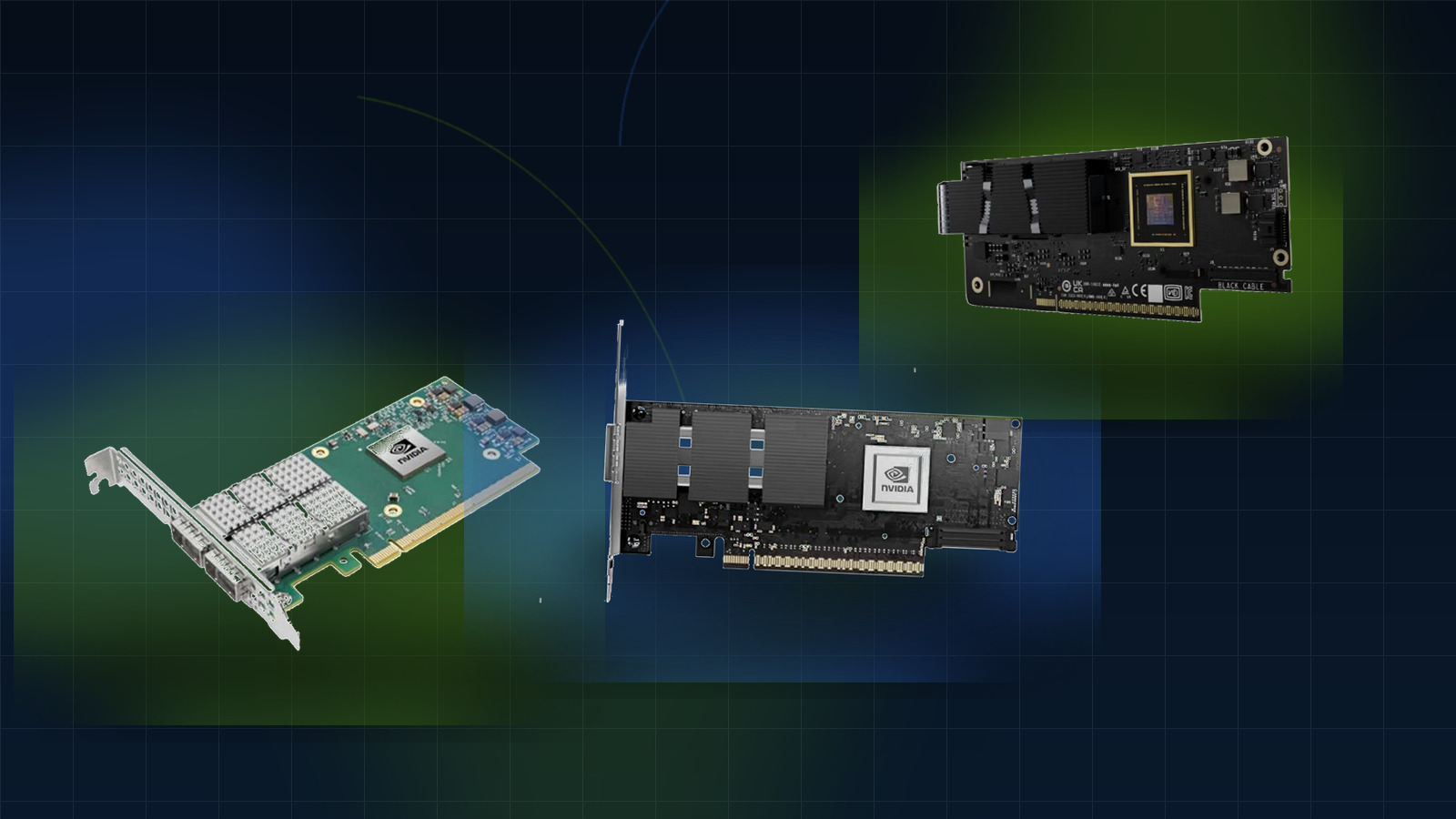
MCX75310AAS-NEAT

NVIDIA ConnectX-7 MCX75310AAS-NEAT Dual-Port 400Gb/s InfiniBand & Ethernet Smart Adapter – PCIe 5.0 x16, NDR

High-performance 400Gb/s dual-port adapter with PCIe 5.0 x16, hardware security offloads, and NVMe-oF support for AI/HPC data centers.

NVIDIA ConnectX-7 MCX75310AAS-NEAT Dual-Port 400Gb/s InfiniBand & Ethernet Smart Adapter – PCIe 5.0 x16, NDR
MCX75310AAS-NEAT
Product photoCMS image ready
Ordering code
MCX75310AAS-NEAT(900-9X766-003N-SQ0)
PCIe 5.0 x16 (32 lanes)
IPsec, TLS 1.3, MACsec, AES-XTS
C8180

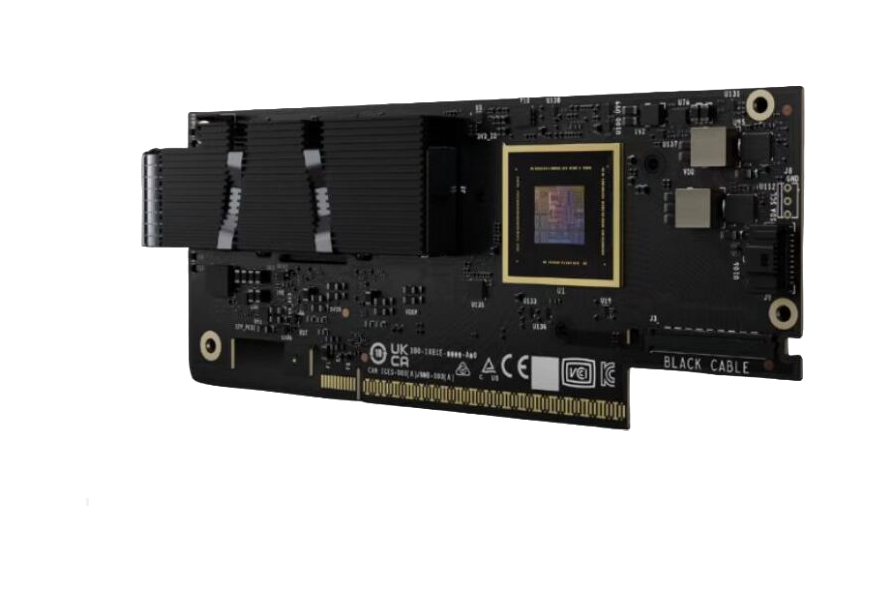
NVIDIA ConnectX-8 SuperNIC C8180(900-9X81E-00EX-ST0) 800G AI Networking Adapter

800Gb/s AI networking adapter with PCIe Gen6, InfiniBand/Ethernet support, and GPUDirect RDMA for hyperscale AI data centers.

NVIDIA ConnectX-8 SuperNIC C8180(900-9X81E-00EX-ST0) 800G AI Networking Adapter
C8180
Product photoCMS image ready
Ordering code
C8180(900-9X81E-00EX-ST0)

FAQ

Questions buyers may still ask

Short answers that help turn reading into a clearer sourcing conversation.

Can ConnectX Adapter Compatibility Checklist be used before sending an RFQ?01

Yes. This resource is written to help buyers prepare clearer technical and commercial context before quotation starts.

Is official documentation alone enough for sourcing?02

Official docs are important for technical truth, but buyers also need purchasing interpretation that connects the content to part numbers, quantity and compatibility.

Can I move from this resource directly into product review or inquiry?03

Yes. After reading, you can continue to the relevant product page or send an inquiry with target models, quantity and project notes.

Related resources

Continue with adjacent buyer resources

Use the next resource to compare options, verify compatibility or narrow the shortlist before sending an RFQ.

NVIDIA AI Networking Sourcing Guide
GuideNVIDIA

NVIDIA AI Networking Sourcing Guide

Commercial guide for buyers evaluating InfiniBand switches, Ethernet fabrics, adapters and interconnect planning for AI clusters.

QM9700 vs SN4700 Buying Comparison
ComparisonNVIDIA

QM9700 vs SN4700 Buying Comparison

A commercial comparison page built for buyers deciding between InfiniBand and Ethernet switching paths in AI and data center projects.

NVIDIA Optics and Cables RFQ Checklist
CompatibilityNVIDIA

NVIDIA Optics and Cables RFQ Checklist

Practical checklist for preparing optics, DAC, AOC, breakout and cable-length details before asking for NVIDIA interconnect pricing.

ConnectX Adapter Compatibility Checklist

Next step

Ready to move from research into RFQ action?

Send your target models, quantity range, project scope or compatibility blocker and we can continue with quotation and sourcing support.

Request support